
Download Phrases - Learn Languages – learn languages, foreign language app, language learning, phrasebook, travel language, language training, language tutor, offline language learning, language app for Android
Overview
Phrases - Learn Languages is a desktop application designed to support language acquisition through practical, real-world phrases. The software enables users to study foreign languages at their fingertips, offering a structured approach to mastering conversational skills. It is particularly useful for individuals preparing for travel, business, or academic purposes in multilingual environments. The app’s core purpose lies in bridging the gap between theoretical language knowledge and immediate, applicable communication.
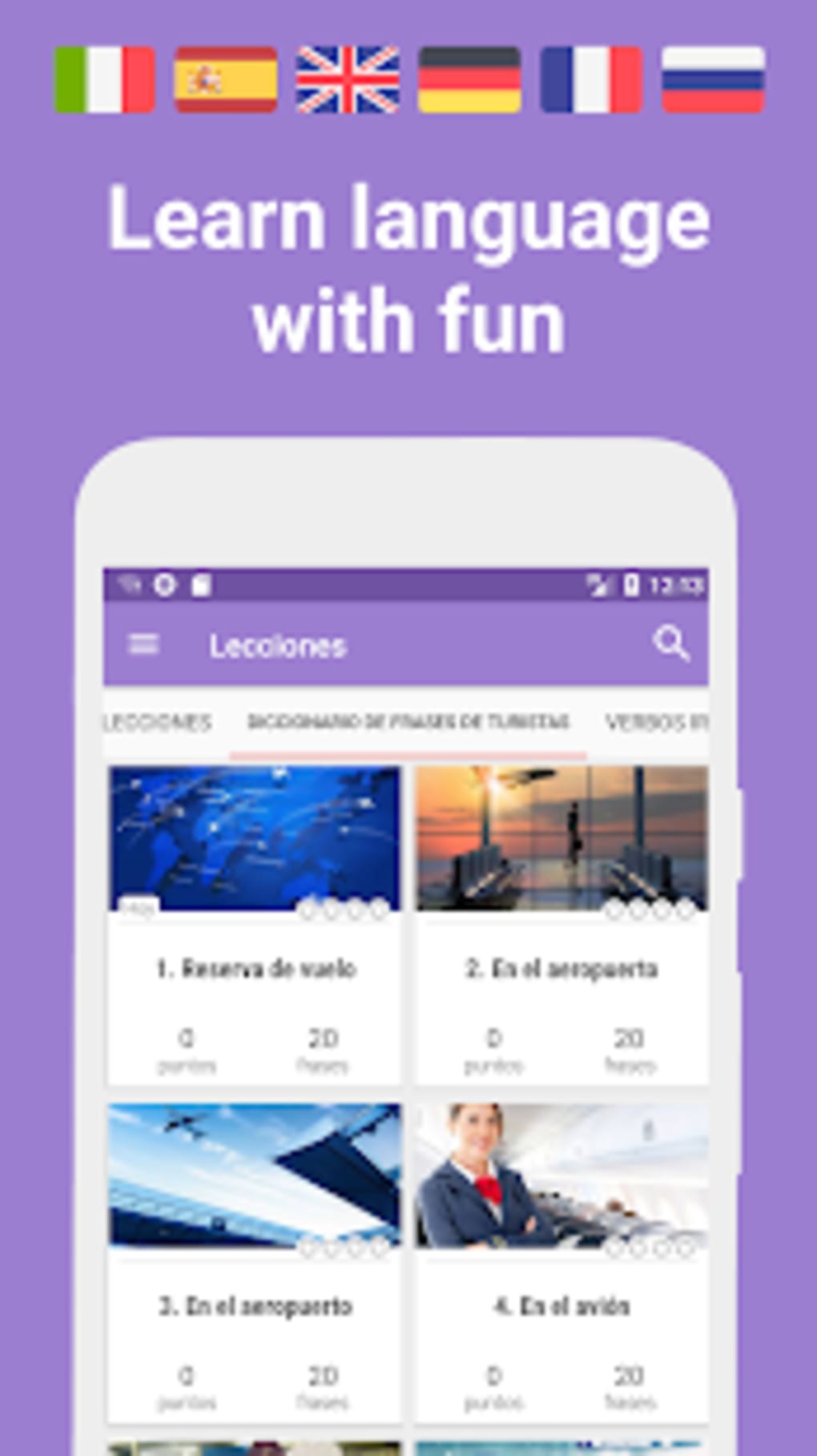
Target users include travelers, students, language learners, and professionals who require basic to intermediate proficiency in languages such as English, Spanish, French, German, Italian, and Russian. The application organizes lessons into situational scenarios—such as flight booking, airport procedures, and in-flight communication—making it ideal for users seeking context-based learning. This situational structure enhances retention by simulating real-life interactions, allowing users to practice language in authentic settings.
Developed by Andrey Lebedev, the software emphasizes accessibility and usability across different language skill levels. While specific details about the developer’s background are limited, the app’s design reflects a focus on practicality and user engagement. The software supports offline learning, ensuring that users can study without relying on internet connectivity, a critical feature for travelers and remote learners.
Key Features & Capabilities
- Situational Language Lessons – Lessons are grouped into realistic scenarios such as airport check-in, flight booking, and in-flight communication, helping users prepare for actual travel experiences.
- Over 2000 Phrases and 106 Lessons – A comprehensive library of phrases across multiple languages, offering a broad foundation for conversational practice.
- Personalized Learning Path – The app adapts to user performance, identifying challenging phrases and offering targeted repetition to reinforce learning.
- Professional Voice Recordings – All phrases are professionally recorded with accurate pronunciation, including variant pronunciations to aid memorization and listening comprehension.
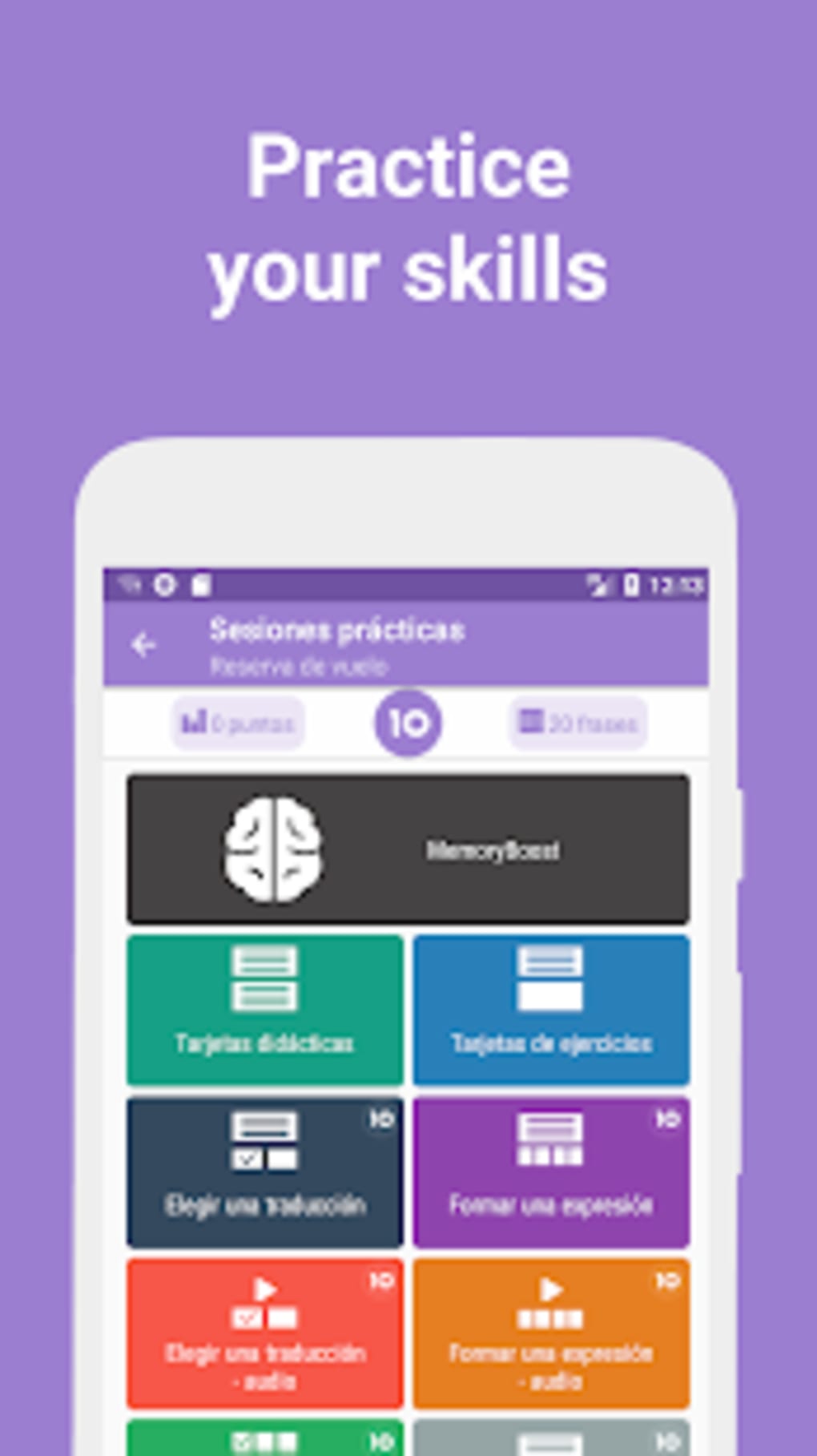
- Interactive Exercises – Eight unique practice exercises are included to test and reinforce language skills, covering listening, speaking, and recognition tasks.
- Progress Tracking & Achievement System – Users can monitor their training progress through detailed statistics and earn rewards as they advance through levels.
- Offline Functionality – All content is accessible without internet access, making the app ideal for use during travel or in low-connectivity environments.
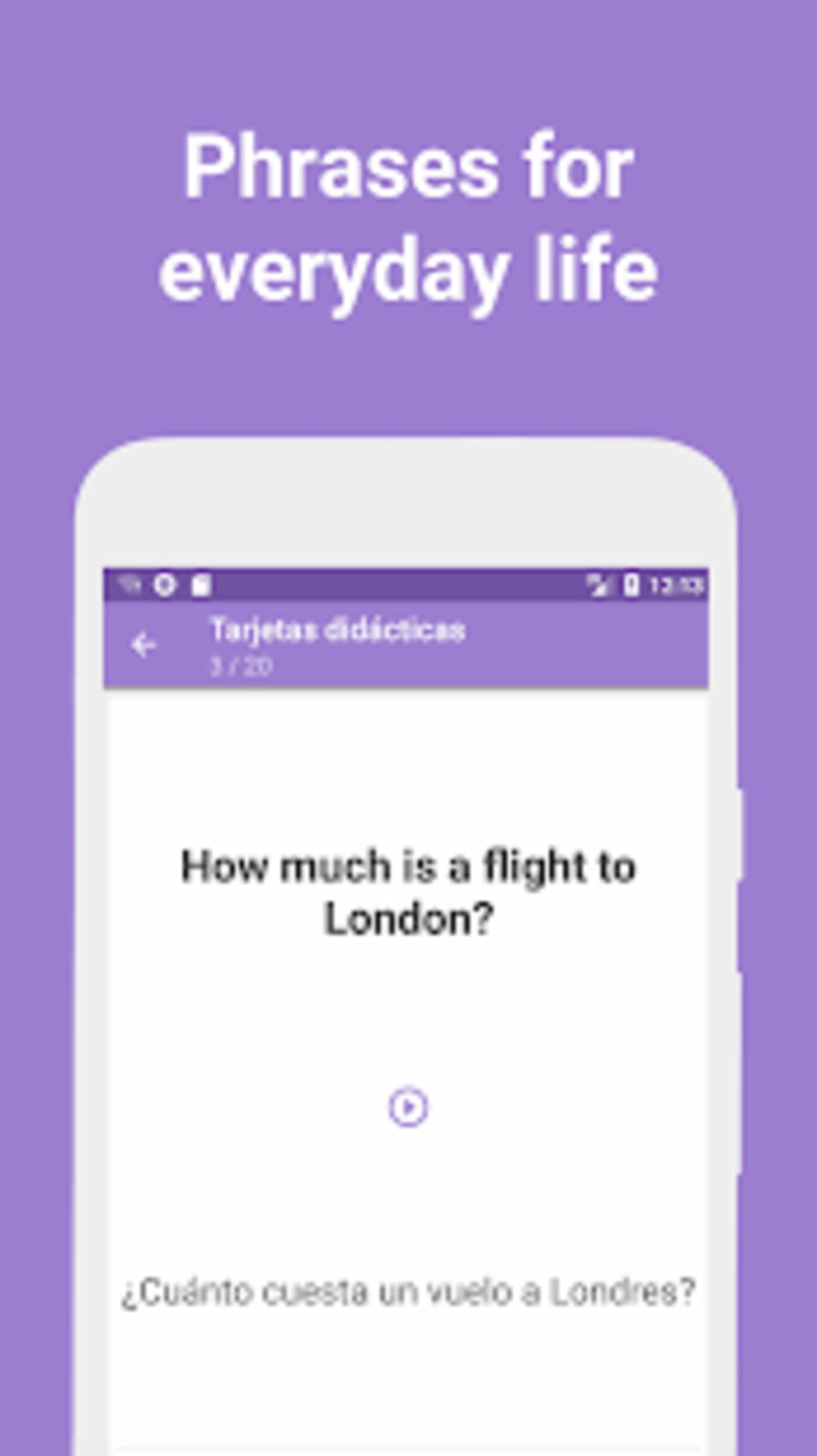
These features are designed to support both beginners and intermediate learners. For example, a traveler preparing for a trip to Spain can use the “airport” lesson module to practice essential phrases before departure. Similarly, a student studying German can use the app’s adaptive system to focus on areas where they struggle, such as verb conjugations or pronunciation. The inclusion of gamified elements enhances motivation, turning language practice into an engaging experience.
User Interface, Workflow & Performance
The user interface is structured to prioritize clarity and ease of navigation. Lessons are organized in a logical, step-by-step workflow, guiding users from initial exposure to a phrase, through practice, to mastery. The app’s layout supports intuitive access to categories, progress tracking, and settings, minimizing the learning curve for new users.
Navigation is consistent across all sections, with clear icons and labeled menus. Users can easily switch between languages, access their training history, and review completed lessons. The workflow is optimized for short, focused sessions—ideal for daily use over a 20-minute period as recommended in the free training program.
Performance observations are based on general software behavior patterns. The developer did not specify resource usage details. However, the app’s file size of 40.2 MB suggests efficient storage utilization. Stability and responsiveness appear to be maintained across typical usage scenarios, though real-world performance may vary depending on device capabilities.
Compatibility & System Requirements
Phrases - Learn Languages is designed for Android operating systems. The software version is 1.1.2, released on August 15, 2023. The installation size is 40.2 MB, indicating a lightweight footprint that should fit on most modern Android devices.
Exact system requirements were not listed. Compatibility information is limited to the platform, suggesting that the app is intended for a broad range of Android devices. The developer did not provide additional system requirements. Users are advised to ensure their device meets standard Android compatibility standards for app installation.
Pros and Cons
Pros
- Comprehensive library of over 2000 phrases across multiple languages
- Realistic, situational lessons tailored for travelers and professionals
- Offline functionality enables learning without internet access
- Personalized learning path adapts to user performance
- Professional voice recordings with pronunciation variants
- Engaging gamified exercises and achievement system
- Free to download and use with optional in-app purchases
Cons
- No information provided on advanced features available via in-app purchases
- Exact performance and system requirements were not specified
- Limited developer background details available
- May not support advanced grammar or writing practice beyond phrases
- App is not available for Windows or Mac desktop platforms
FAQ Section
Is Phrases - Learn Languages available for Windows or Mac?
The app is currently available only for Android devices. There is no official desktop version for Windows or Mac.
Can I use Phrases - Learn Languages offline?
Yes, the app supports full offline functionality. All lessons, phrases, and exercises are accessible without an internet connection.
Is the app safe to download and use?
As a free app available on official Android channels, Phrases - Learn Languages is considered secure. However, users should always download from trusted sources to avoid unauthorized modifications.
Does the app offer updates?
Yes, the app has been updated to version 1.1.2 as of August 15, 2023. Regular updates are expected to improve functionality and user experience.
What type of license does Phrases - Learn Languages have?
The app is free to download and use. It includes in-app purchases for additional features, but no subscription model is currently disclosed.
Final Thoughts + CTA
Phrases - Learn Languages stands out as a practical, user-friendly tool for anyone seeking to build foundational conversational skills in foreign languages. Its situational approach, combined with offline access and personalized learning, makes it a strong choice for travelers, students, and professionals. While it does not cover advanced grammar or writing, it excels in delivering real-world language applications.
For users who value practicality, adaptability, and engagement, this app offers a compelling solution. Its free model with optional in-app upgrades ensures accessibility without compromising core functionality. The structured learning path and progress tracking further enhance its effectiveness.
Download Phrases - Learn Languages now






.png)
